Latapult Wrapped 2025: A Year of Land Intelligence Told Through Data
December 22, 2025
We aren’t tracking 2025 by the calendar. We’re tracking it by movement — specifically, yours! This year, our first-ever Latapult Wrapped captured the incredible ways our customers used our GIS platform to drive development forward. From identifying optimal sites to managing complex environmental due diligence, the data tells a compelling story. Bottom line, these numbers confirm that demand is stronger than ever for geospatial intelligence that is fast, accurate and collaborative.
As we close out the year, let’s look at the metrics that defined 2025 and what they reveal about the future of land acquisition and site evaluation.
114 New Data Layers Added — Because Fresh GIS Data Matters More Than Ever
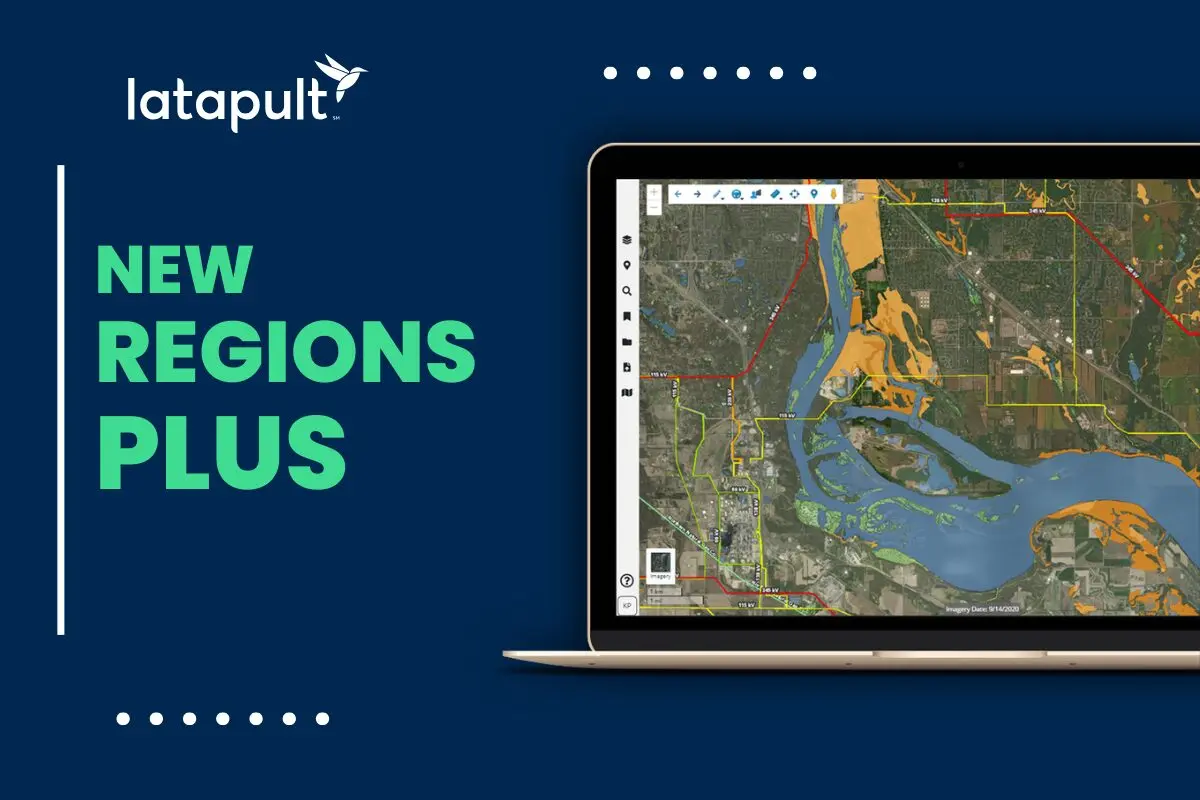
In 2025, Latapult added 114 new data layers to expand the depth and breadth of insights available to our users. These additions included critical datasets such as parcels, wetlands, large parcels, flood hazard zones, electric lines and substations.
Frequent data updates and current insights are critical in modern GIS workflows. With the market rapidly shifting and adopting AI, fresh data supports higher-confidence decision-making and automation, which rely on real-world accuracy rather than outdated snapshots. Stale geospatial data can undermine site selection, risk analysis, and predictive models.
The sheer volume of new data layers added this year demonstrates Latapult’s commitment to providing the most current insights possible.
The 140,072 Hours Spent in Latapult Emphasize that GIS is a Daily Decision Engine
Our customers spent 140,072 hours using Latapult this year, clearly signaling that GIS is much more than a niche or occasional tool. Our platform is an engine for daily decision-making, and usage is rising because GIS is now embedded into everyday workflows.
Teams rely on Latapult for rapid iteration, validation, and collaboration. As project timelines tighten and decisions carry higher financial and regulatory stakes, speed and usability become paramount. The data shows that professionals are moving away from periodic check-ins and toward continuous, real-time analysis to keep projects moving.
226,063 Land Searches Demonstrate a Demand for Faster Site Intelligence
With over 200,000 land searches run, 2025 highlighted just how frequently teams need to evaluate, compare, and rule out locations. This volume reflects growing competition for viable land and the importance of speed in the acquisition process.
Instant access to ownership, environmental, and infrastructure data allows for real-time, data-driven decisions. It enables seamless project visualization and easy identification of compliance risks before significant investments are made. By centralizing these searches, Latapult users reduced their reliance on fragmented sources and manual research, allowing them to secure high-potential sites faster than the competition.
Most-Used Data Layers Provide What Users Need First When Evaluating Land
Latapult Wrapped revealed exactly what users look for first when evaluating land. These data layers formed the backbone of early-stage feasibility analysis across industries this year:
- Parcels: The foundational layer for ownership and boundary intelligence
- Wetlands: Crucial for early environmental constraint identification and mitigation planning
- Large Parcels: Essential for identifying enough land for energy, industrial, and master-planned developments
- Flood Hazard Zones: Used for immediate risk assessment and understanding insurance implications
- Electric Lines and Substations: Vital for determining infrastructure feasibility and power access, particularly for renewable energy and data center developers
The consistent use of these layers underscores the need for a comprehensive view of site potential and risks.
Top Tools Customers Relied On
It’s easy to see why Latapult users returned to these top five tools time and again throughout 2025. Replacing disconnected spreadsheets, screenshots, and emails to reduce friction and support collaboration is no problem for our most relied-upon solutions:
- Search: Fast filtering to narrow options early in the process
- Graphics: Visualizing constraints, opportunities, and concepts directly on maps
- Bookmarks: Organizing and revisiting critical sites without losing context
- Street View: Grounding data in a real-world context for remote verification
- Pins: Collaborative mapping and shared insights across teams
Features Launched in 2025 That Changed How Teams Work
This year, Latapult launched several innovative features designed to enhance workflows and reflect the industry’s shift toward collaborative, interoperable land intelligence.
- Shared Bookmarks upgrade: Collaboration should not have boundaries. This year, we introduced upgrades to Shared Bookmarks, enabling real-time collaboration without version control issues. Now, users can share live, interactive maps with anyone — even those without a Latapult account. This allows stakeholders to go beyond static PDFs and explore boundaries, buildable areas, and imported CAD site plans alongside view-only datasets.
- Rubber Sheet Tool: Every project involves file types that aren’t always GIS-ready. The new Rubber Sheet Tool allows users to bring external plats, PDFs, and drawings directly into the GIS environment. By overlaying and aligning these files with GIS layers, teams can sync all stakeholders on the same geospatial view, skipping tedious reformatting and CAD workarounds.
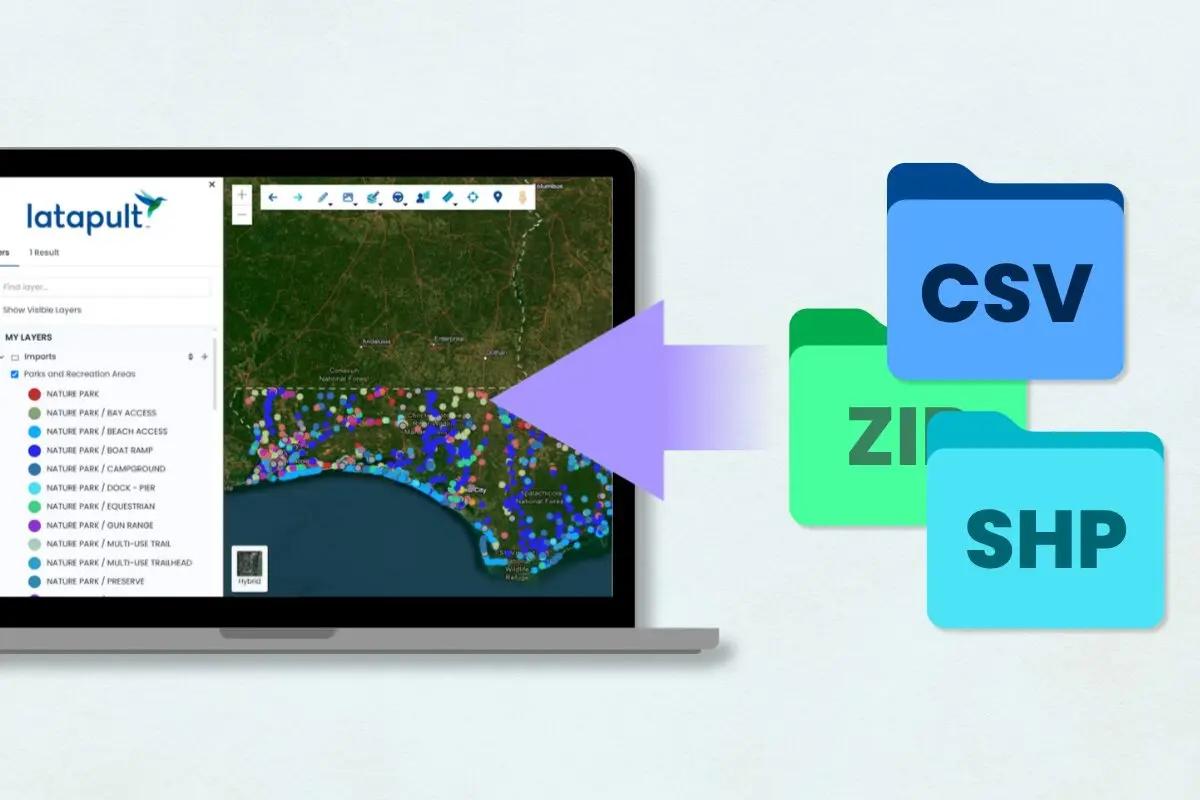
- KML Export: To support interoperability, the new KML Export feature makes it easier to share work across platforms. Users can now download an entire folder of bookmarks into a single KML file, allowing outside team members to view and utilize overlay mapping data on most other GIS platforms.
- External Bookmarks: Users can save specific views with graphics and data layers on an interactive map and share them as a simple link. Collaborating and sharing location data is a breeze, especially for tasks like site selection and project planning.
- Enhanced Pins: Keeping track of site-specific details is simpler with improved Pins functionality. Users can attach information to a location—whether it be comments, photos, or files—and create Shared Pin Groups to keep details organized by project. Organization-Level Pins allow larger entities to manage data across the company, ensuring everyone has access to updated information.
Latapult Wrapped Offers Insights into the Direction Data is Headed in 2026
Latapult Wrapped isn’t just a year-end recap — it’s a snapshot of how land intelligence is evolving. The numbers point to broader industry trends that will take root or grow in the new year.
First, GIS is becoming central to faster, higher-stakes decision-making. Second, data freshness and accuracy are increasingly critical as AI usage expands within organizations and across industries. Finally, collaboration and shareability are now baseline expectations; teams want fewer tools and deeper, more reliable insights.
As 2026 approaches, Latapult’s focus remains on helping teams move from data overload to confident decisions, backed by accurate, current, and actionable geospatial insights. Ready to transform your workflows in 2026 with better data and innovative tools? Book a demo today and start exploring Latapult’s platform.